How to Choose European Email and Calendar Tools That Fit Your Week
A practical guide to European email and calendar software — Tuta, Proton Calendar, Morgen, and Amie — based on whether you need encrypted mail, a private schedule, or a planning layer that runs your day.
The EuroMakers Editorial Team
Researching European software
The Journal · Made in Europe
Email and calendar are where your week actually lives. Analytics can wait until Monday. Hosting can wait until the next deploy. Your inbox and schedule cannot. That is why swapping them feels heavier than changing a search engine — and why a good European option has to earn its place in the middle of a real Tuesday.
In EuroMakers, these tools sit across two shelves: Communication for encrypted mail, and Productivity for calendars and day planners. That split is useful. It reminds you that "email and calendar" is not one product category. It is a set of jobs that sometimes belong together and sometimes do not.
Name the friction before you compare logos
Most people do not wake up wanting a new productivity stack. They wake up tired of one specific annoyance. Write that annoyance down first.
- My mail feels too exposed, and I want encryption by default.
- My calendar is fine, but I do not want my schedule living in a US consumer account.
- I have too many calendars and task apps, and nothing plans the day for me.
- I want one calm surface for mail, tasks, and meetings — not five tabs.
Those are four different jobs. Treat them that way and the European shortlist gets much clearer.
Four tools, four personalities
Here is how the current directory listings differ when you look at them as products you might live in, not as feature checklists.
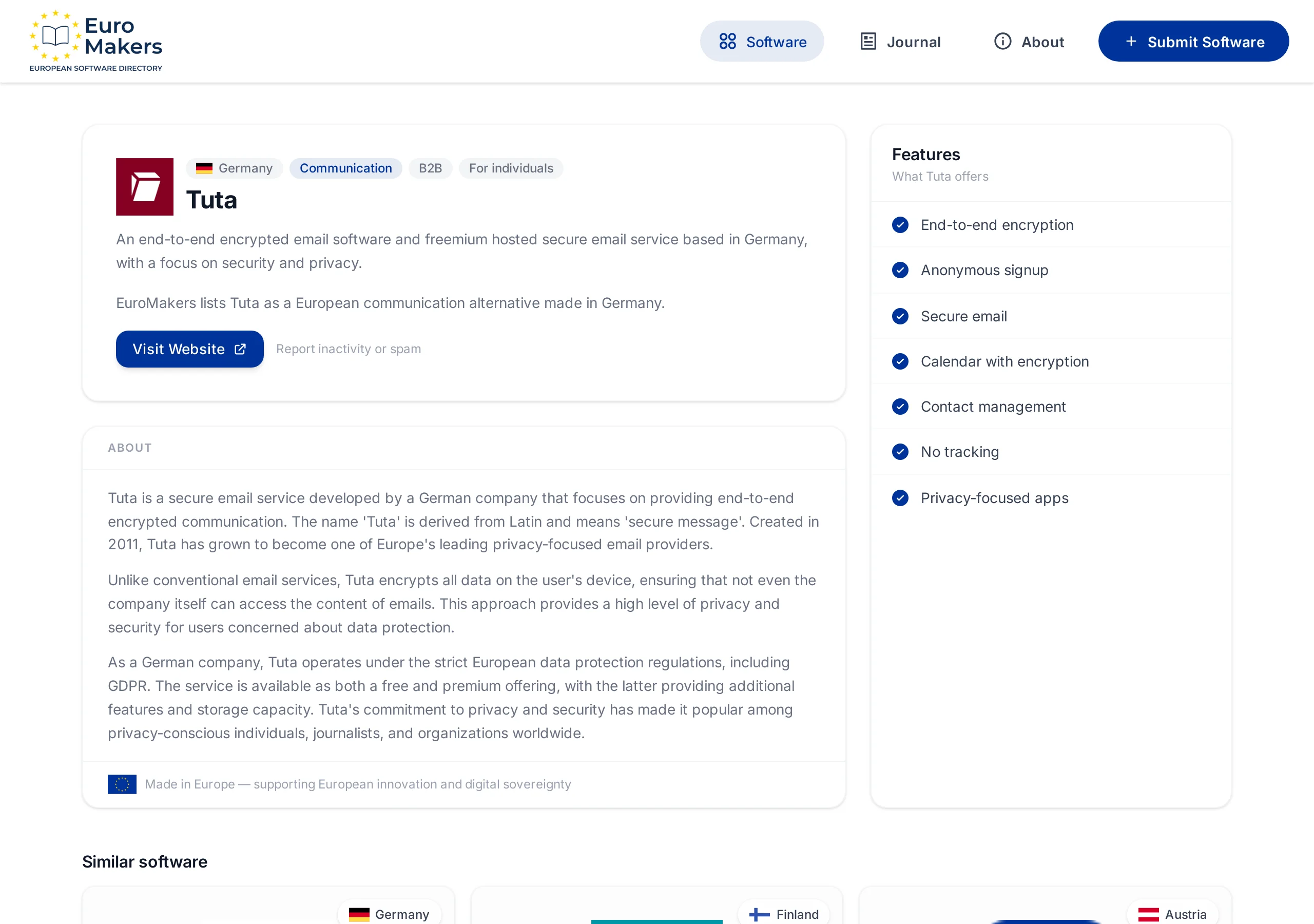
Tuta — encrypted email with a calendar attached
Tuta, based in Germany, is the clearest European answer when the problem starts in the inbox. End-to-end encryption, anonymous signup options, contacts, and an encrypted calendar sit in one mail product built around privacy. The point is not a prettier Gmail. The point is mail you can trust because the content is encrypted on your device.
Choose Tuta when email is the migration that matters most — journalists, founders, freelancers, and teams who want a European mail home with calendar and contacts nearby. If your week still depends on Google Calendar invites from clients, plan for that friction before you switch.
Proton Calendar — a private schedule in a larger Swiss suite
Proton Calendar is the Swiss calendar from the Proton team. Events, titles, descriptions, locations, and participants are end-to-end encrypted. It is strongest when you already care about the Proton ecosystem — mail, VPN, storage, password manager — and want your schedule to match that same privacy standard.
Choose Proton Calendar when the calendar itself is the sensitive layer, or when you are already moving toward Proton for mail and want one coherent private stack. It is less of a day-planning cockpit and more of a secure home for the appointments that should stay private.
Morgen — the planner that turns calendars into a day
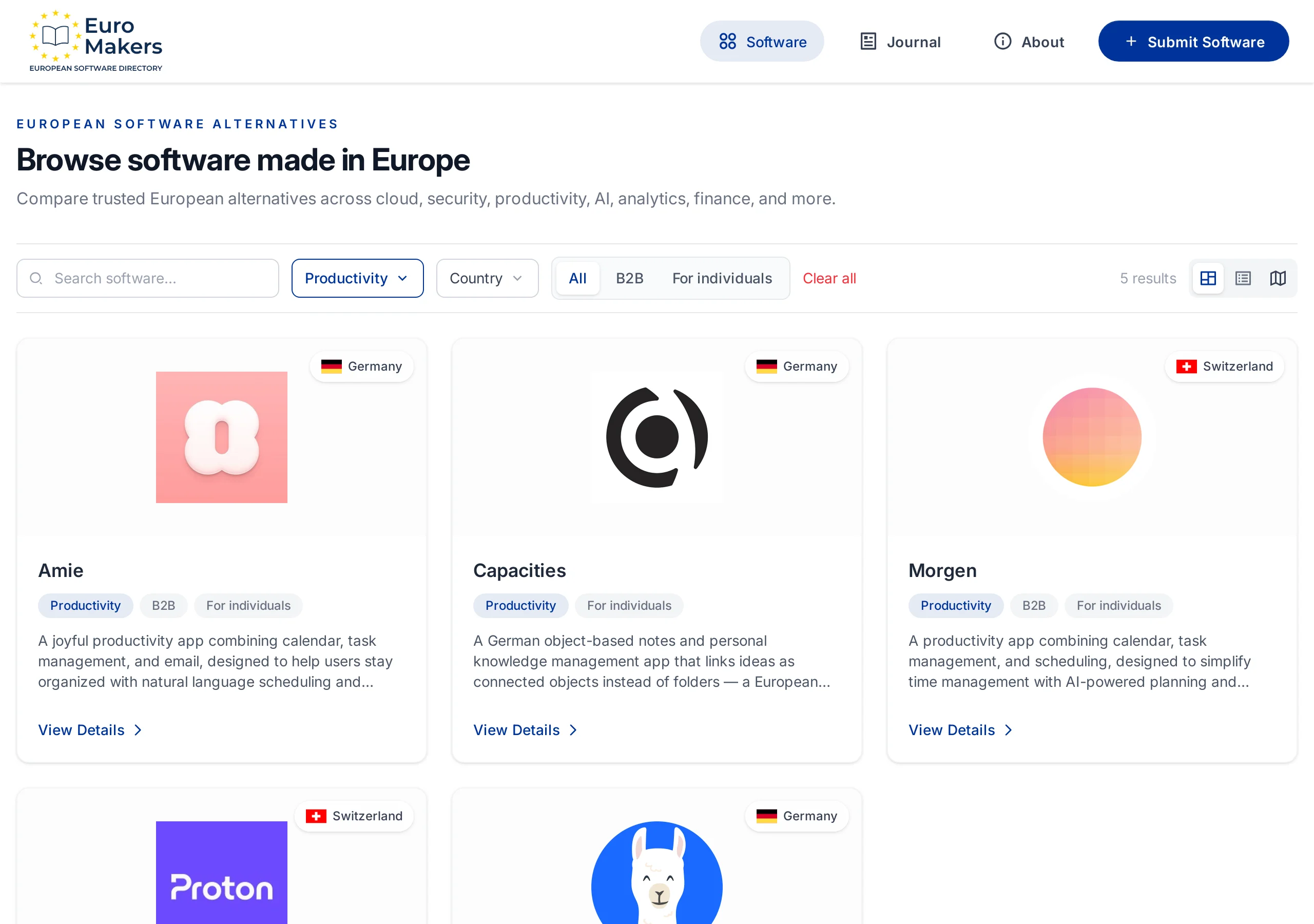
Morgen, from Zurich, is a different kind of European product. It combines calendars, tasks, and scheduling into one planning surface, with AI-assisted daily planning, drag-and-drop time blocking, availability sharing, and integrations with tools like Todoist and Notion. It syncs across desktop and mobile and is built for people who already have too many calendars.
Choose Morgen when the pain is not "where is my mail hosted?" but "why does my day still feel unplanned?" It is a Swiss craft product for professionals and students who want the week arranged, not merely displayed.
Amie — calendar, tasks, and email in one calm surface
Amie, built in Berlin, pushes further toward a single daily workspace: calendar, todos, and an integrated email client, with natural-language scheduling, AI auto-scheduling, shareable booking links, and a clean, friendly interface. It is the European option for people who want fewer apps open at once.
Choose Amie when the goal is calm consolidation — one place for meetings, tasks, and mail triage — and you care as much about how the product feels as about where the company is based. It is newer than long-running mail providers, so trial it against a real week before you make it the center of your work.
A shortlist by the job you need done
- You want encrypted European email first → start with Tuta.
- You want a private calendar inside a broader privacy suite → look at Proton Calendar.
- You want AI-assisted planning across the calendars you already use → try Morgen.
- You want calendar, tasks, and email in one calm app → trial Amie.
- You need both secure mail and a serious planner → do not force one product to win; pair Tuta or Proton with Morgen, then simplify later if the overlap feels silly.
Europe looks strong here precisely because the answers are not identical. Germany and Switzerland show up with different strengths: encrypted foundations on one side, planning craft on the other. That variety is the point of a healthy market.
How to trial without wrecking your week
Email and calendar trials fail when people migrate everything on day one. Keep the first week small enough that a bad fit is annoying, not catastrophic.
- Pick one job: private mail, private calendar, day planning, or a combined surface.
- Run the new tool in parallel for five working days. Keep the old account as backup.
- Move only one recurring ritual into the trial — morning planning, client scheduling, or personal mail.
- Notice the boring friction: invite acceptance, mobile notifications, search, shared calendars, offline moments.
- Only then decide whether to migrate aliases, old archives, or team workflows.
Where Made in Europe feels premium
Made in Europe matters in email and calendar when it shows up as craft you can feel: encryption that is default rather than decorative, interfaces that respect your attention, and companies that treat your schedule as something worth protecting. It is a premium label when the product feels built for people who live in their tools all day — not for advertisers hunting another feed.
There is also a quiet unity story here. A German encrypted inbox and a Swiss planning calendar can sit in the same week without pretending to be the same product. European software is often strongest when countries specialize and the stack still feels coherent.
Choose the tool that makes Tuesday calmer, not the one with the longest feature list.
— EuroMakers Editorial
Start here
Open Communication for mail and Productivity for calendars, read the listings that match your friction, and run one parallel week. If infrastructure or discovery is next instead, keep reading with our guides to European cloud hosting and European search engines. Missing a European email or calendar tool we should know about? Tell us.
Find your next European tool
Browse a curated directory of software made in Europe across every category your team relies on.
Explore the directory