How to Choose a European Password Manager You Will Keep Using
A practical guide to European password managers — Passbolt, Proton Pass, and KeePassXC — based on whether you need team sharing, a private suite vault, or an offline database you control.
The EuroMakers Editorial Team
Researching European software

The Journal · Made in Europe
A password manager is not another app you try for a weekend. It is the place your logins live. If the fit is wrong, you will feel it every morning — missing autofill, awkward sharing, or a vault that never quite becomes the habit.
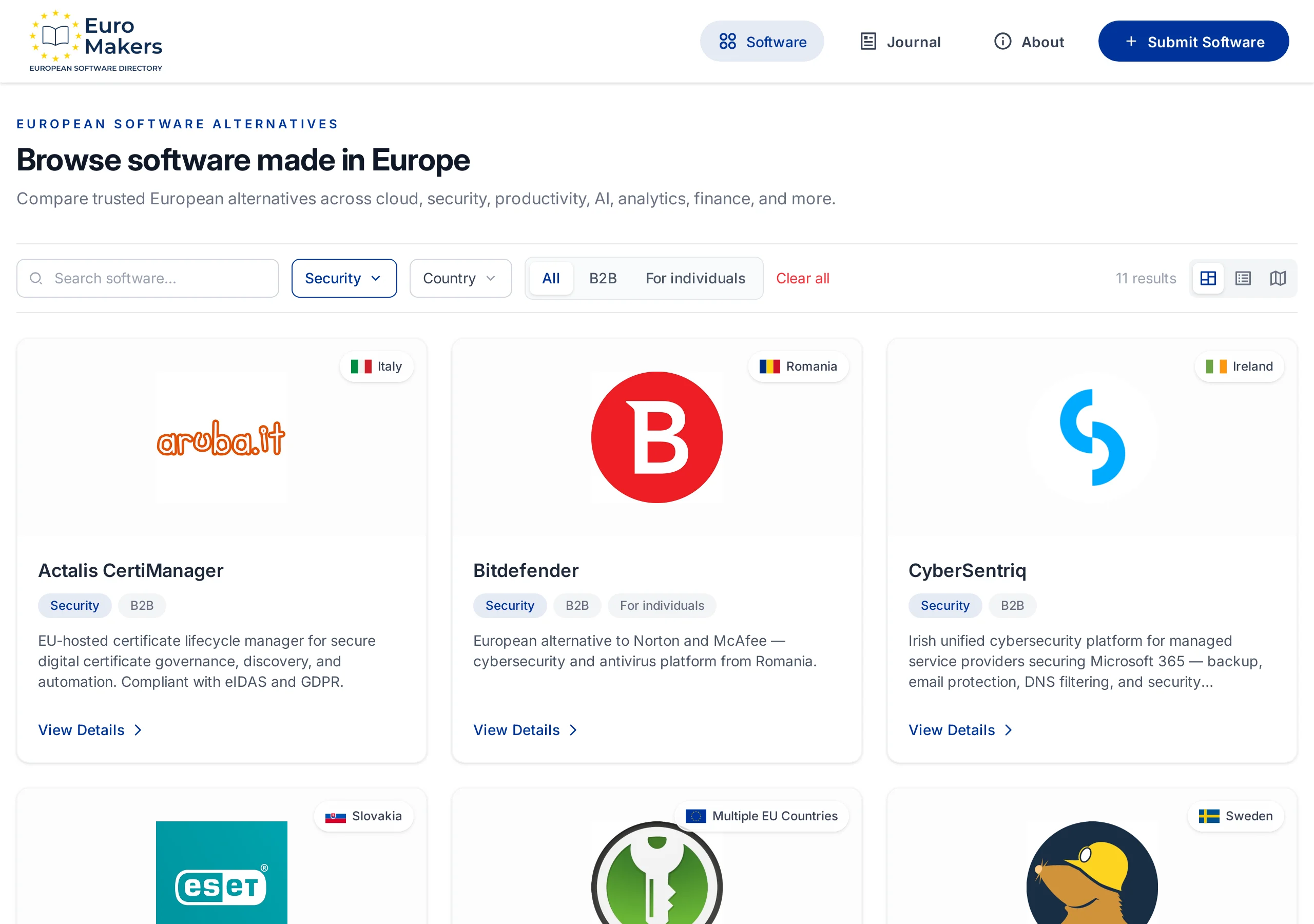
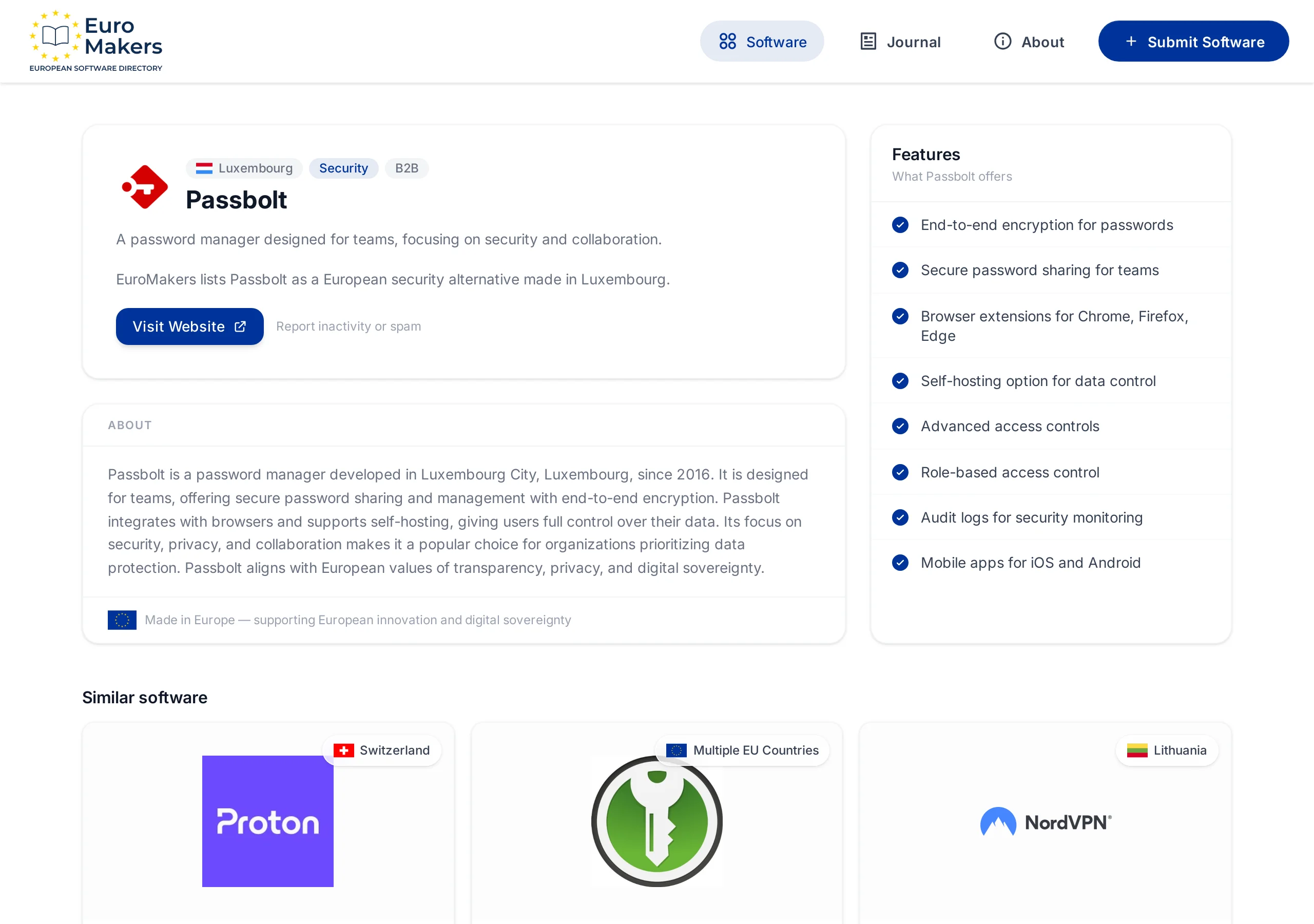
That is why the useful question is not which European password manager is best? It is who needs access, and where should the vault live? In EuroMakers, the Security category includes three clear European answers: Passbolt for teams, Proton Pass for a private suite vault, and KeePassXC for an offline database you control.
Write down who holds the keys
Most people compare feature lists. Start with the people and the risk instead.
- I share credentials with a team, and I need roles, audit trails, and controlled access.
- I want one encrypted vault that fits a broader private stack — mail, calendar, storage.
- I want my passwords in a local encrypted file, not in someone else's cloud by default.
- I am moving off a US consumer manager and need a European home that still works in the browser every day.
Write the real constraint in one sentence. The shortlist gets clearer the moment you stop treating every vault as a personal notebook.
Three European vaults
Here is how the current listings differ when you ask where trust lives — with a team, inside a suite, or on a machine you control.
Passbolt — the team vault from Luxembourg
Passbolt, based in Luxembourg City, is built for organizations that share secrets as part of normal work. End-to-end encryption, role-based access, audit logs, browser extensions, and mobile apps sit around one clear idea: passwords are collaborative infrastructure, not a personal notebook.
Self-hosting is part of the product story. Teams that want the vault on their own servers can keep that control while still getting sharing workflows that feel designed for work. Choose Passbolt when the pain is not "I forgot a password" but "too many people need the same credentials, and Slack is not a vault."
Proton Pass — a Swiss vault inside a larger private suite
Proton Pass is the password manager from Proton in Switzerland. End-to-end encrypted vaults, hide-my-email aliases, a built-in 2FA authenticator, browser extensions, apps, and team sharing make it a strong everyday option — especially if you already care about Proton Mail, Calendar, VPN, or Drive.
Choose Proton Pass when the vault should feel like part of one coherent private stack, not a lonely security tool. It is the European answer for individuals and teams who want Swiss privacy law, open-source clients, and a product that still behaves like a modern password manager on every device.
KeePassXC — the offline European community vault
KeePassXC is the community-maintained, open-source option with strong European contributor involvement. Credentials live in an encrypted local database. Browser integration, TOTP support, cross-platform apps, and import tools make it practical for daily use without requiring a proprietary cloud.
Choose KeePassXC when control matters more than managed sync. You decide how the database is backed up, shared, or kept offline. That freedom is the point — and also the responsibility. If you want a polished hosted product with team workflows out of the box, look at Passbolt or Proton Pass instead.
A shortlist by the job you need done
- You need secure sharing for a team, with roles and audit logs → start with Passbolt.
- You want a modern vault inside a broader Swiss privacy suite → try Proton Pass.
- You want an offline encrypted database you fully control → look at KeePassXC.
- You need both personal convenience and team sharing → trial Proton Pass for individuals and Passbolt for the org vault; do not force one product to cover both cultures if they clash.
Luxembourg specializes in collaborative team security. Switzerland brings a polished suite vault. The KeePassXC community keeps a local-first tradition alive. That spread is the point of a healthy European market — not three logos fighting over the same sentence.
How to trial without locking yourself out
Password manager migrations fail when people import everything on day one and delete the old vault on day two. Keep the first week reversible.
- Pick one job: team sharing, suite vault, or local-first control.
- Install the browser extension and mobile app before you import anything serious.
- Move ten high-frequency logins first — email, bank, work tools — and use only those for five working days.
- Test the boring moments: autofill on a new site, a shared credential, a 2FA code, offline access, and a password change.
- Only then import the rest, set up recovery, and retire the old manager.
Where Made in Europe feels premium
Made in Europe matters in password management when it shows up as craft: encryption that is default, sharing that is deliberate, and products that treat your credentials as something worth protecting — not as another growth funnel. It is a premium quality label when the vault feels built for people who live in their tools all day.
There is also a quiet unity story here. A Luxembourg team vault, a Swiss suite password manager, and a European community offline database can sit in the same week without pretending to be the same product. European software is often strongest when countries and communities specialize.
Choose the vault that matches how you share trust, not the one with the longest feature list.
— EuroMakers Editorial
Start here
Open the Security category, read the listings that match your job, and run one careful week with a small set of logins. If mail, calendars, or hosting are next instead, keep reading with our guides to European email and calendar tools and European cloud hosting. Missing a European password manager we should know about? Tell us.
Find your next European tool
Browse a curated directory of software made in Europe across every category your team relies on.
Explore the directory